A Wi-Fi icon shows a connection to a wireless network, not proof that the entire path to a service works. A few comparisons can identify where to investigate without resetting every network setting.
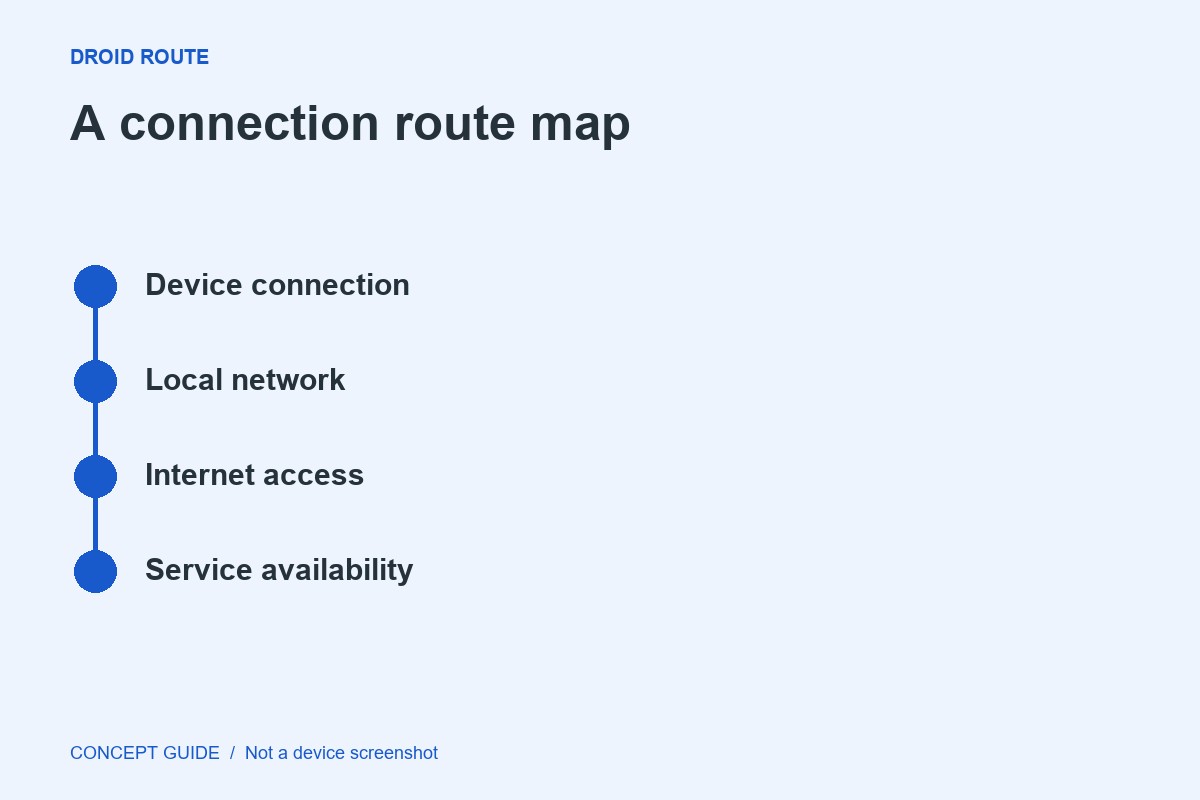
Route 1: one service or everything?
Try another ordinary website or app. If only one service fails while others work, investigate that service or app first. Record the error and time. A single failed page is not enough evidence that the phone's Wi-Fi is broken.
Route 2: one device or the network?
If possible, test another device on the same network. If both fail, the router, internet connection or network's sign-in process deserves attention. On a public network, check for the legitimate access page and avoid entering sensitive information into an unexpected portal.
Route 3: compare another connection
Where your data plan permits, compare mobile data with Wi-Fi. If one path works and the other does not, record that difference. Do not assume switching to mobile data is free or appropriate for a large download.
Choose one next action
Restart your own router using its normal procedure if the evidence points there, or contact the network owner when it is managed by someone else. Do not factory-reset shared equipment. If every network fails only on the phone, follow the manufacturer's supported device troubleshooting and preserve your observations.