Skip to content

Droid Route

  • Home
  • Guides
  • About
  • Contact
  • Editorial Policy
  • Disclosure
  • Privacy Policy
  • Cookie Policy
  • Terms of Use

Troubleshooting Routes

Write an Android support request that gets to the point

September 16, 2026 by ByteTrend News

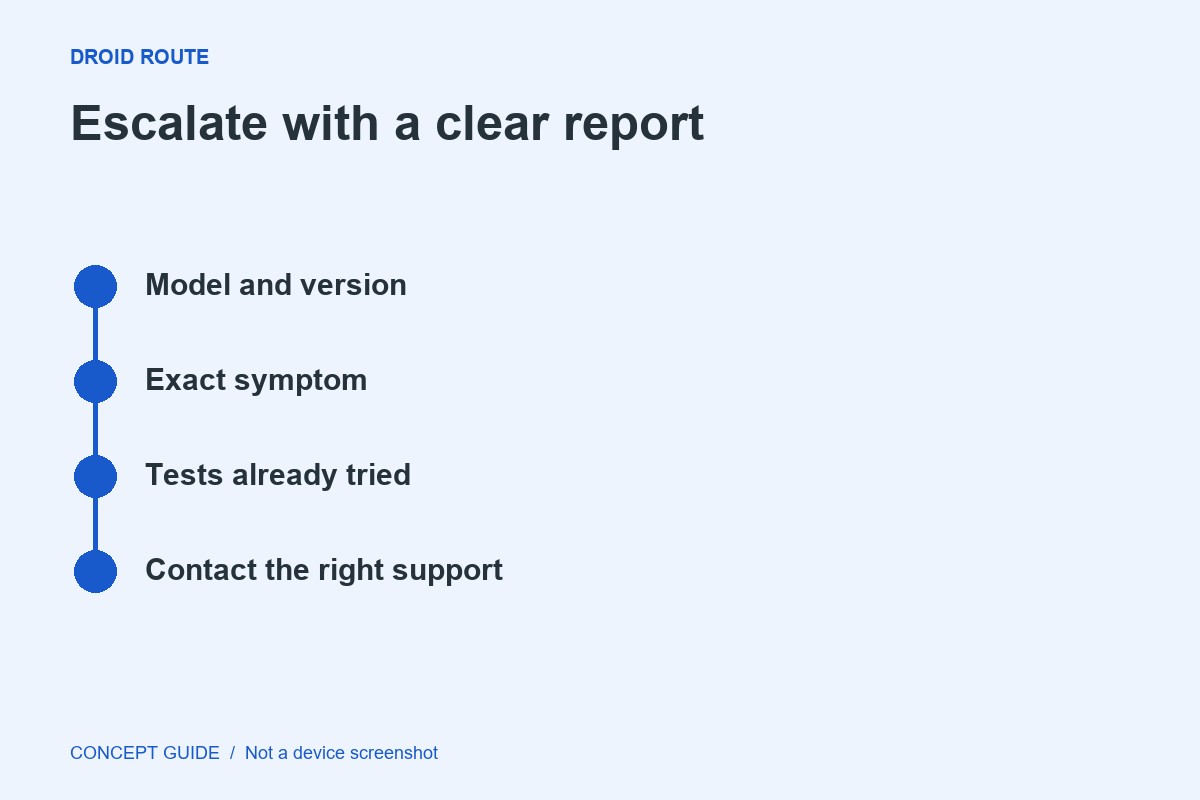
A strong support request is a small reproducible case, not a history of every frustrating moment. Give the reader enough context to repeat or locate the problem while leaving private data out.

Categories Troubleshooting Routes

An Android app will not update: gather these four facts first

September 16, 2026 by ByteTrend News

An update failure can involve storage, connectivity, account state or compatibility. A short evidence record makes the next official support step more precise than repeatedly tapping Update.

Categories Troubleshooting Routes

App notifications stopped: follow the message from service to screen

September 16, 2026 by ByteTrend News

A missing notification can mean the message never reached the app, the app did not request an alert or Android presented it quietly. Check those stages before turning every notification control on.

Categories Troubleshooting Routes

A file arrived but will not open: separate transfer from format

September 16, 2026 by ByteTrend News

A completed transfer and a readable document are two different outcomes. Determine whether the file is intact, whether the receiving app supports it and whether access restrictions are involved.

Categories Troubleshooting Routes

One Android app keeps crashing: keep the investigation local

September 16, 2026 by ByteTrend News

When other apps work normally, start with the app that fails. A device-wide reset creates a large recovery task and may leave the original cause unexplained.

Categories Troubleshooting Routes

USB charges the phone but will not transfer files

September 16, 2026 by ByteTrend News

Power flowing through a cable does not prove that the cable and current connection support file transfer. Work through the cable, phone mode and receiving computer as separate checks.

Categories Troubleshooting Routes

Quick Share cannot find the other device: a focused checklist

September 16, 2026 by ByteTrend News

Discovery problems and transfer failures are different. First make the receiving device visible through the current Quick Share controls, then test with one small non-sensitive file.

Categories Troubleshooting Routes

Android has Wi-Fi but no internet: find the failing layer

September 16, 2026 by ByteTrend News

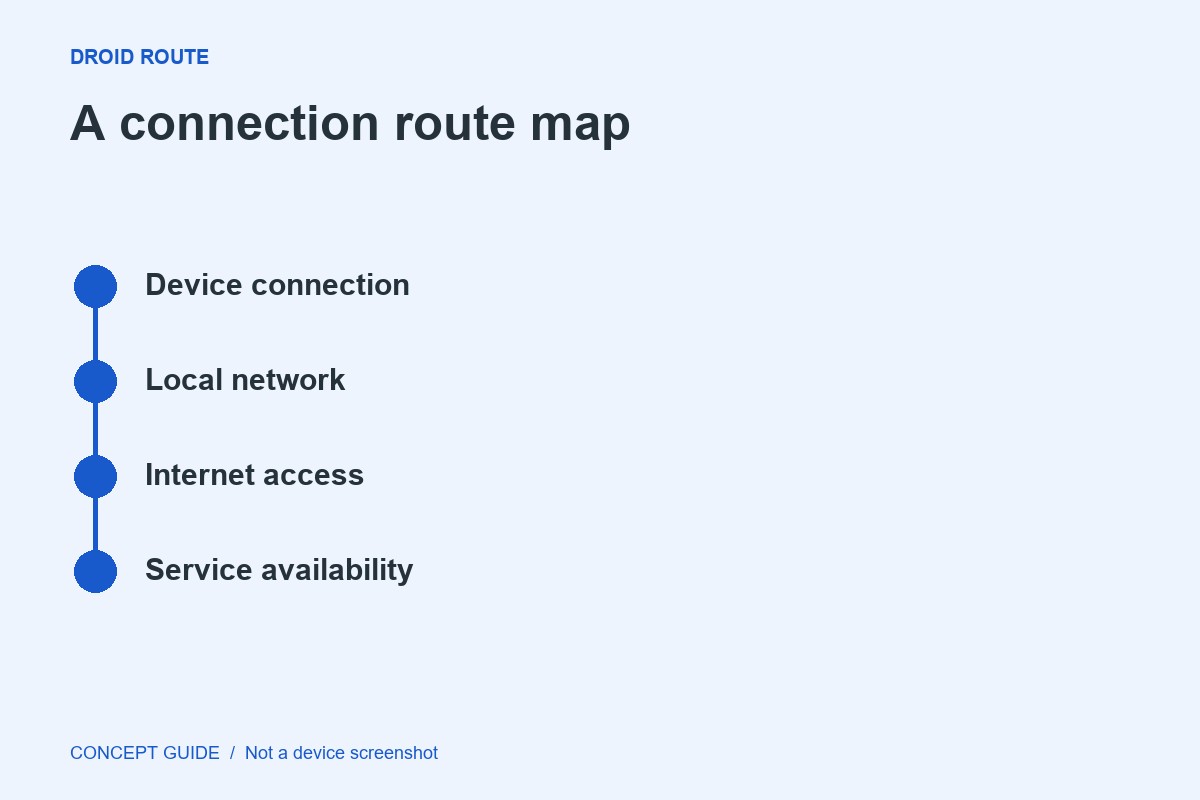
A Wi-Fi icon shows a connection to a wireless network, not proof that the entire path to a service works. A few comparisons can identify where to investigate without resetting every network setting.

Categories Troubleshooting Routes

近期文章

  • Write an Android support request that gets to the point
  • An Android app will not update: gather these four facts first
  • App notifications stopped: follow the message from service to screen
  • A file arrived but will not open: separate transfer from format
  • One Android app keeps crashing: keep the investigation local

近期评论

No comments to show.
Droid Route

Android troubleshooting that starts with the symptom and changes one thing at a time.

[email protected]
HomeTroubleshooting RoutesAbout the teamContact
Editorial PolicyDisclosurePrivacy PolicyCookie PolicyTerms of Use

© 2026 Droid Route · Find the next useful step for your Android phone.

© 2026 Droid Route • Built with GeneratePress