A completed transfer and a readable document are two different outcomes. Determine whether the file is intact, whether the receiving app supports it and whether access restrictions are involved.
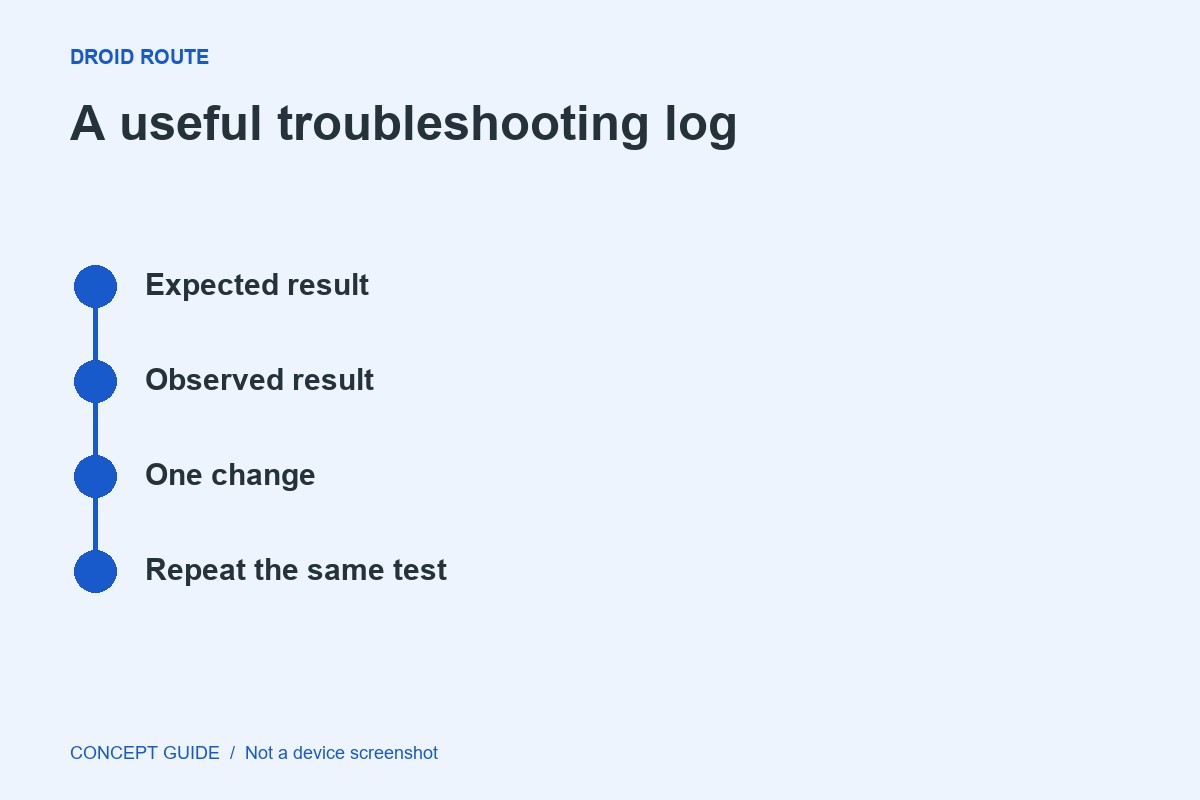
Compare the source and destination
Check the filename and approximate size, and confirm the source file still opens. If the destination looks incomplete or the transfer was interrupted, repeat with a small test file using the supported method. Do not delete the source while diagnosing the result.
Check the expected format
A filename extension is a clue, not proof of the underlying format. Use the originating service's export option when a document depends on that service. Renaming an extension does not convert a file into another format.
Use a suitable trusted application
Consult the document provider's guidance for a compatible viewer. Do not install an unknown APK merely because a pop-up says it is required to open the file. If the document is protected, the authorized account or application may be necessary.
Report the narrow failure
Note whether all files of that type fail or only one, and whether another supported viewer can open it. Share the exact error without posting private contents. The next step belongs to the transfer path, the file creator or the viewer depending on that comparison.