When other apps work normally, start with the app that fails. A device-wide reset creates a large recovery task and may leave the original cause unexplained.
Reproduce one clear failure
Record what action causes the crash and whether it happens every time. Note the app version and Android build. Test with non-sensitive sample content where possible. If only one file triggers the failure, keep that boundary in the report without sharing a private file publicly.
Use the low-impact steps first
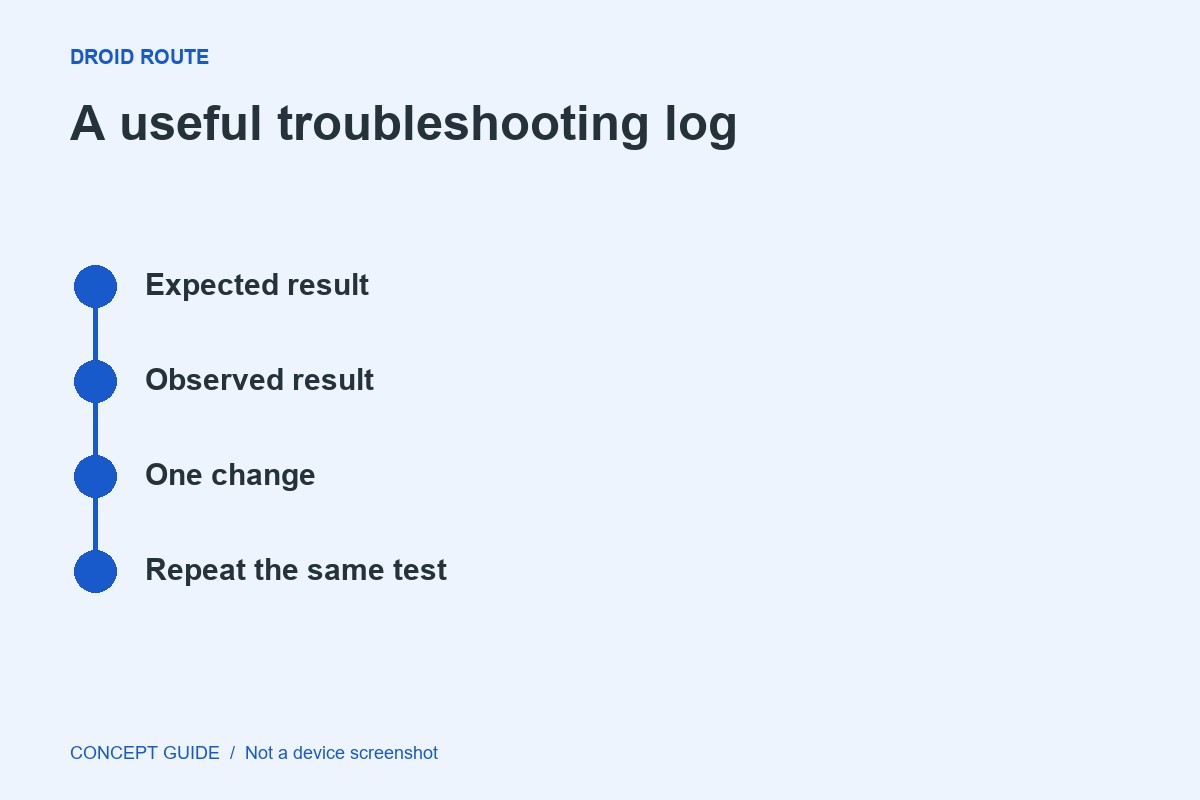
Follow the app or manufacturer's guidance for restarting the app or phone and checking official updates. Change one thing and repeat the same task. A different result after several simultaneous changes is difficult to interpret.
Pause before clearing storage
Cache and stored app data are different. Clearing storage or reinstalling can remove local records and sign-in state. Verify the application's backup or export path before taking a step that discards its data.
Escalate to the right owner
If the failure remains confined to one app, contact its developer with the reproducible sequence and versions. If several unrelated apps fail, expand the investigation to storage, system state or device support. Keep the conclusion proportional to the evidence.